Cleaning the Charging Port — When to Clean, When to Replace, and How to Do It Right
May 2, 2026
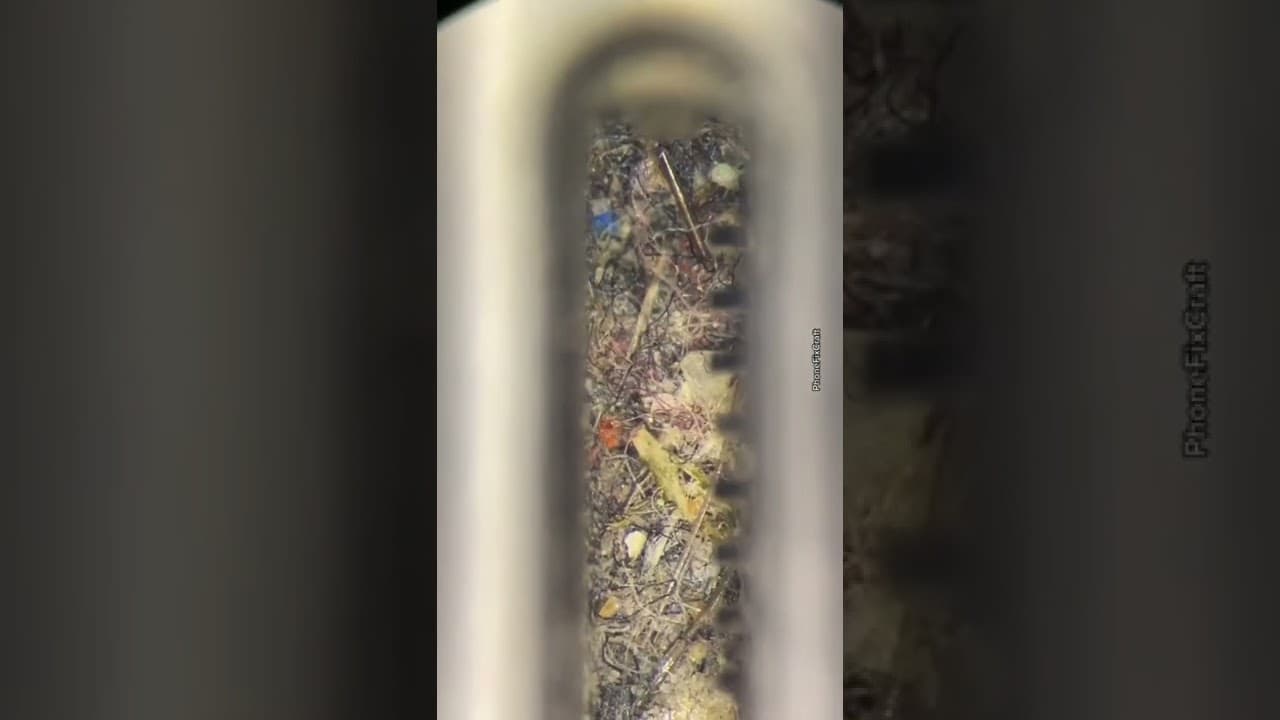
The most common issue people bring to the shop. "My phone won't charge." Nine times out of ten — it's dirt. Before reaching for any tools, before ordering a new port — clean it first.
What Gets Inside the Port?
Because of its shape, the charging port is a magnet for debris. Three main causes:
- Pocket lint and fabric debris — every time the phone goes into a pocket, fabric threads, dust and bits compress into the bottom of the port. This is the most common cause, and also the easiest to fix.
- Environmental dust — workshops, storage rooms, outdoor use. Builds up slower but still gets in.
- Moisture residue — moisture alone rarely causes the problem, but moisture that dries with debris inside turns into a conductive layer that disrupts contact with the cable.
This doesn't happen overnight — it builds up slowly. Most customers arrive after one to two years of the same problem.
Diagnose: Clean or Replace?
Before touching anything — look. Shine a strong light inside the port at an angle. What you might see:
| What You See | Meaning | Action |
|---|---|---|
| Lint / dirt / dark material at the bottom | Regular buildup | Clean — that's it |
| Bent pins (Lightning) | Physical damage | Port replacement |
| Oxidation / rust / green spots | Moisture damage | Clean with IPA, then test |
| Port looks completely clean | Cable or battery issue | Don't clean — check other things |
Rule of thumb: cable goes in but feels loose — it's dirt. cable won't go in at all — check for a foreign object. cable seats normally but won't charge — the port may not be the problem.
Tools — What to Use and What Never to Touch
This is where people cause damage. Three things that should never go near a charging port:
- ❌ Paper clip / hairpin / needle — hard metal bends Lightning pins, can short USB-C contacts
- ❌ Compressed air (spray can) — high pressure pushes debris deeper and can compromise moisture seals
- ❌ IPA poured directly — flooding liquid into the port without control
What actually works:

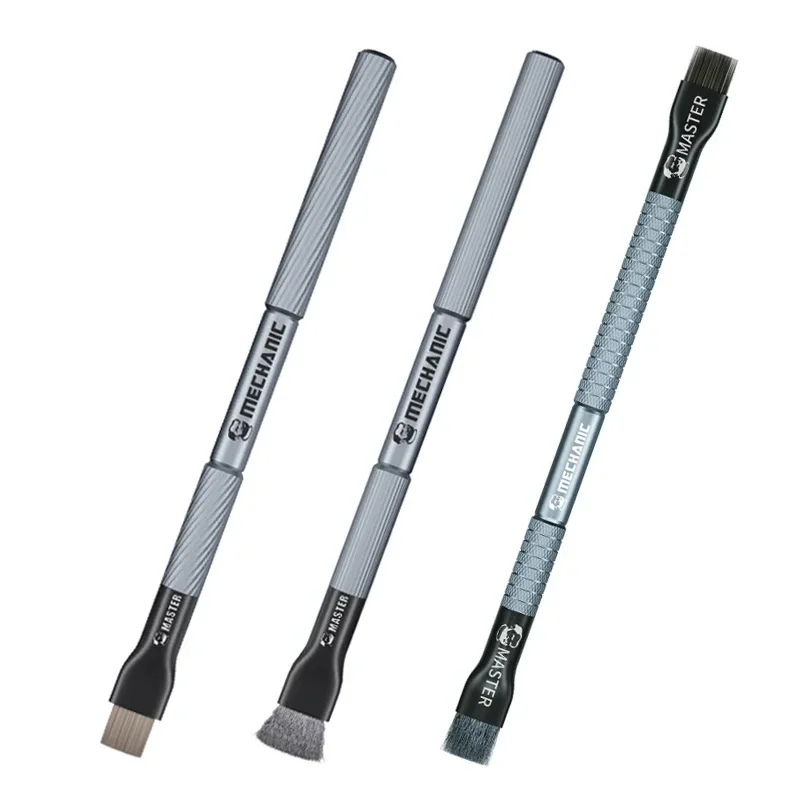

IPA — The Right Liquid
Isopropyl alcohol 99% or higher. Not 70%, not rubbing alcohol, not water. The 99% evaporates fast and leaves no residue. 70% contains water — which gets into the port and doesn't always come back out.


The Cleaning Process — Step by Step
1. Power off the device — always, no exceptions. IPA conducts electricity while it's still wet.
2. Lighting — strong flashlight at an angle into the port. Know exactly what's in there before touching anything.
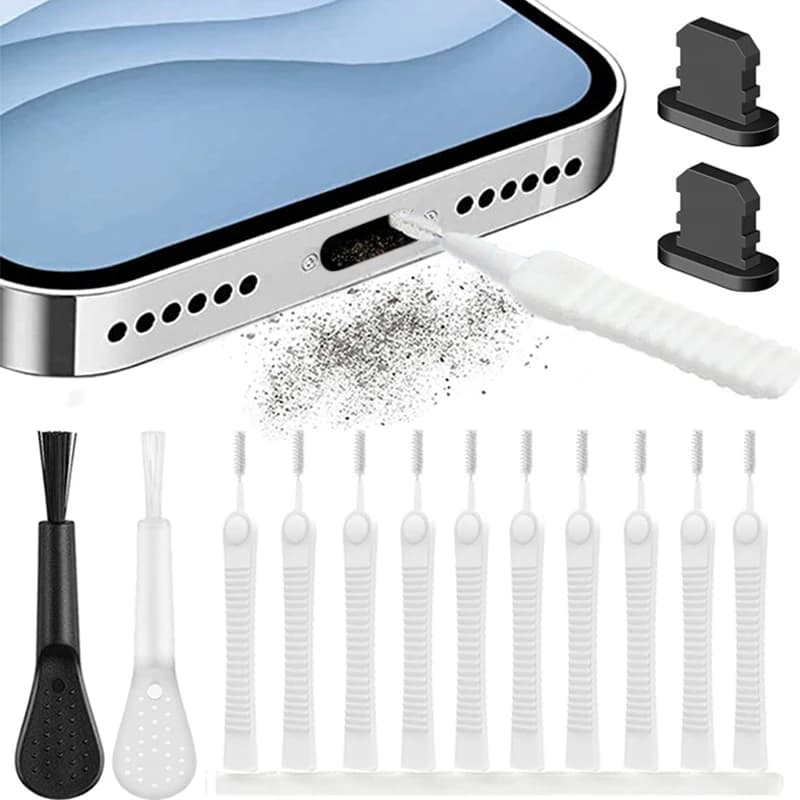
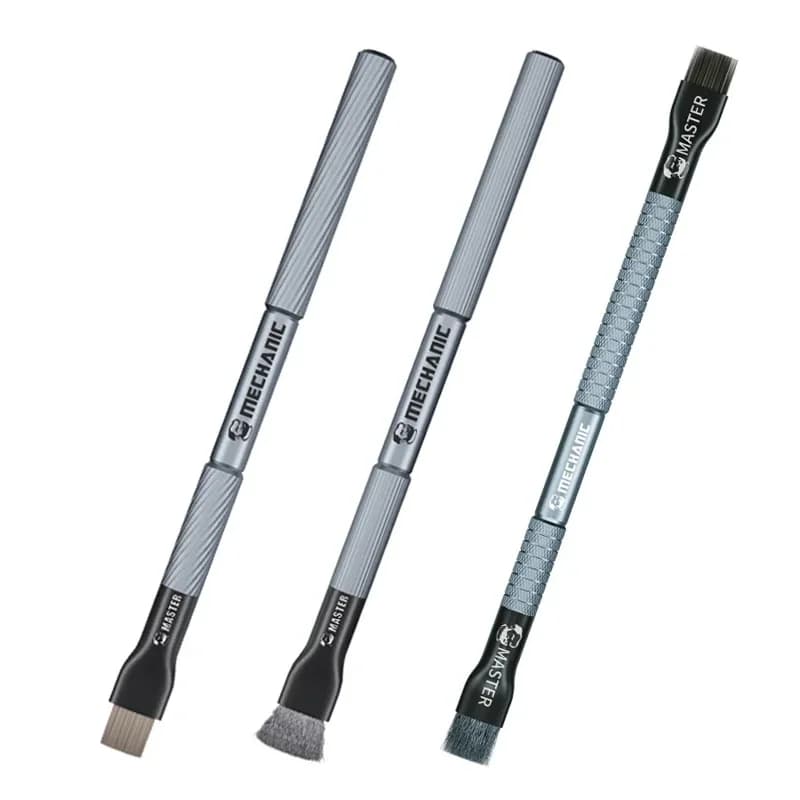
3. Dry brush first — before IPA. Soft brush in strokes along the port (not circular). Remove the loose debris. On Lightning: brush between the pins from the side, never press down on them. On USB-C: less to damage, slightly less critical.
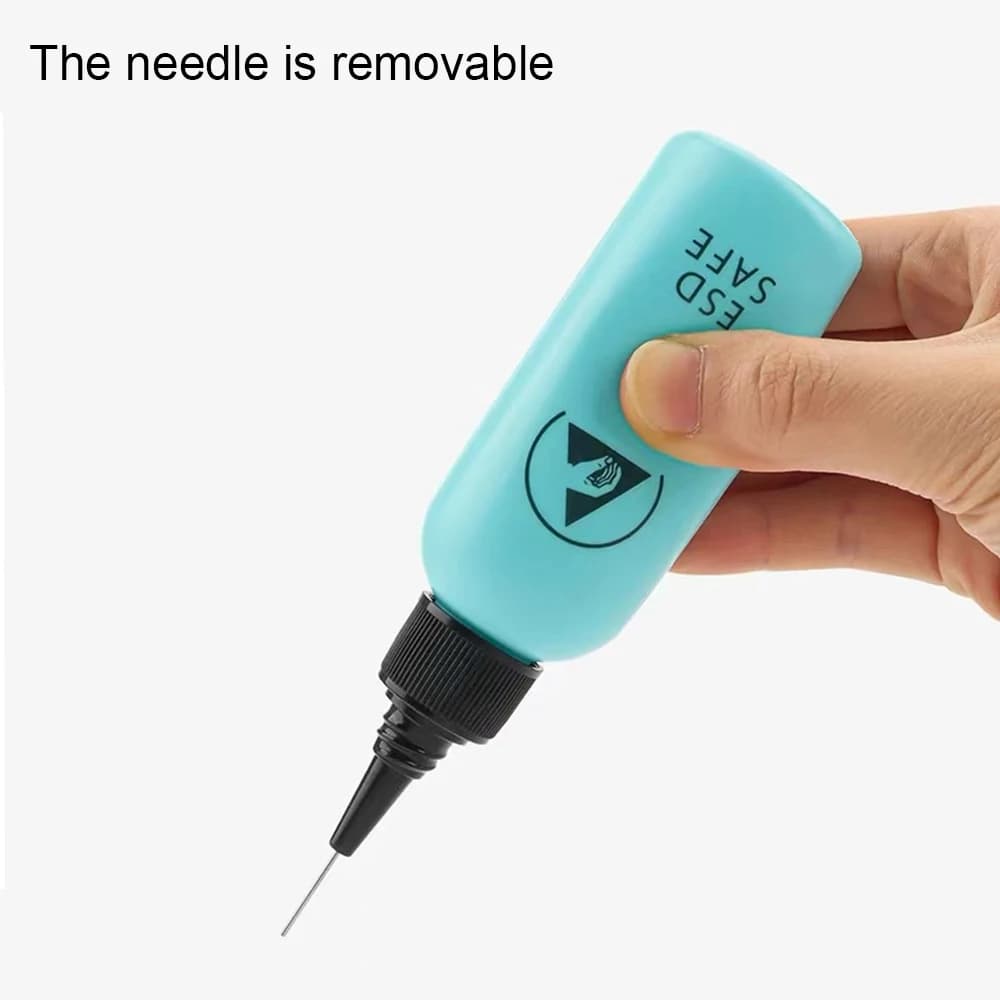
4. IPA on the brush — one drop on the brush tip. Do not pour directly into the port. Again — strokes along, not circular.
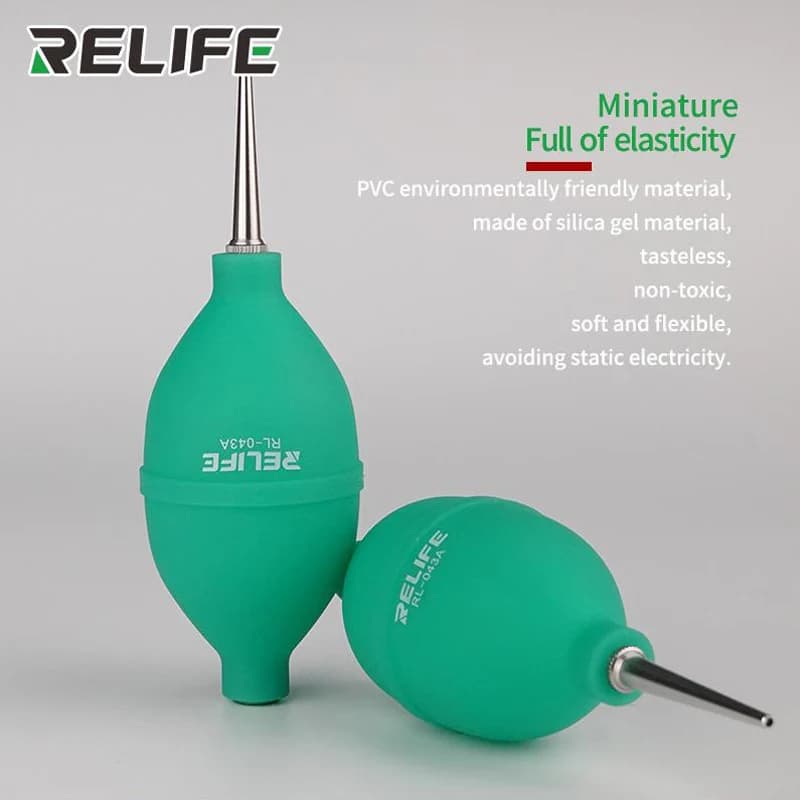
5. Dry — 60–90 seconds. Can speed up with a hand blower. Do not connect to power before the alcohol fully evaporates.
6. Test — plug in the cable. Most of the time, that's all it takes.
See It in Action
Three clips showing exactly what the problem looks like and how to handle it. The first one is by Tamar — cleaning a USB-C port on an iPhone 14:
Credit: Tamar | Cleaning USB-C port — iPhone 14
Deep clean — under magnification
How much debris actually comes out — close-up
When to Replace Instead of Clean
Cleaning won't fix everything. Here's when you need a new port:
- Bent Lightning pins — don't try to straighten with a toothpick, it makes it worse
- Broken USB-C housing — cracked edges, loose internal plastic
- Cleaning doesn't help — cable still feels loose after thorough cleaning
- Severe oxidation that doesn't respond to IPA — moisture has gone deep
- Device won't power on at all after cleaning — something else is going on
At this point — before ordering a port, test with the right tools:
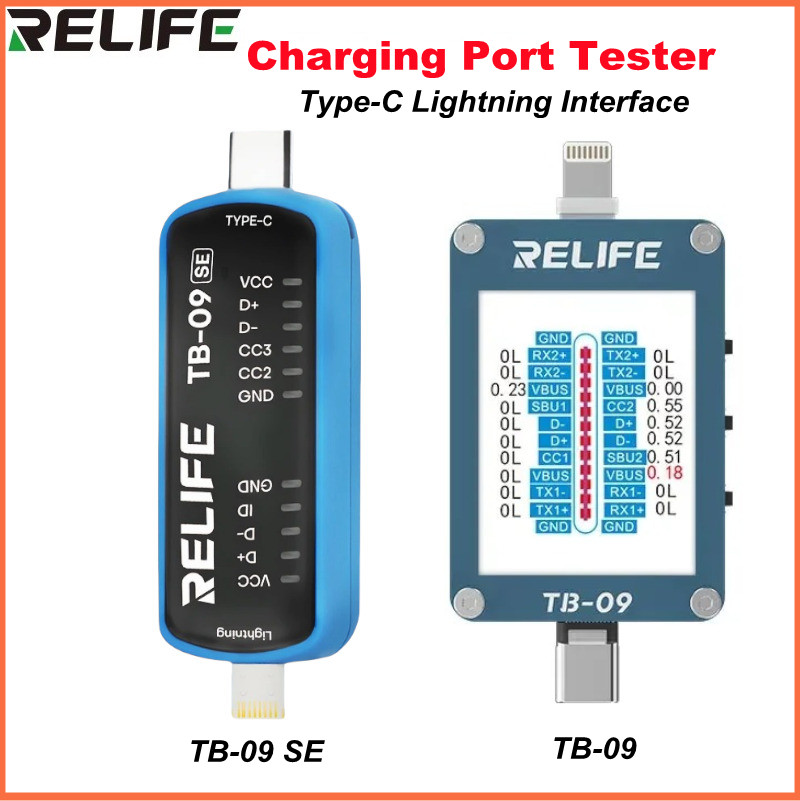

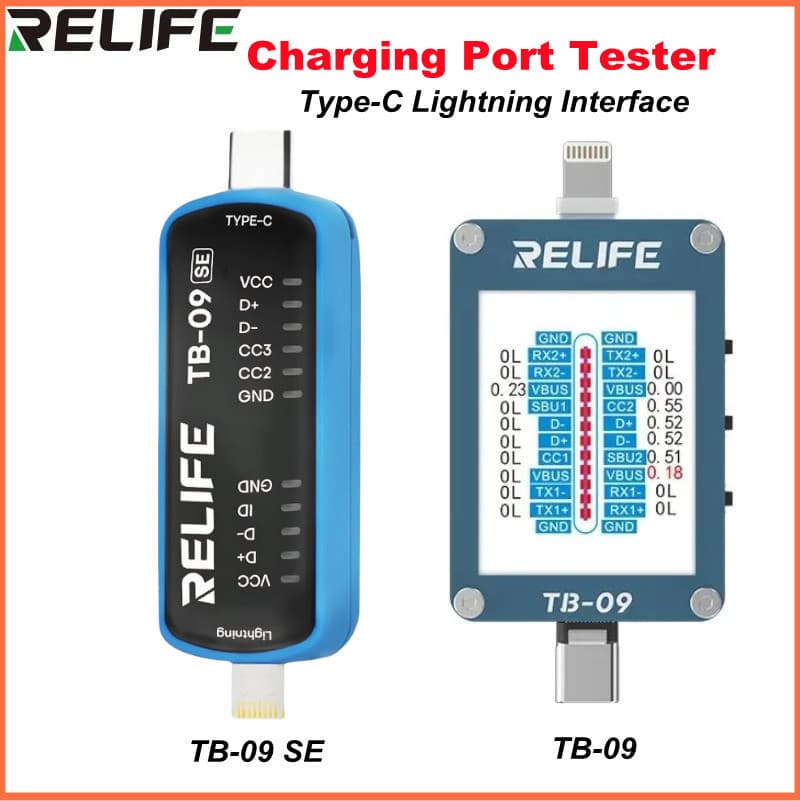
If current doesn't rise at all when you plug in — the port isn't the issue. The RELIFE TB-09 connects directly to the port and diagnoses the interface itself, no cable needed.
Preventing Buildup
Simple: dust plugs. Small plastic caps that fit the port when not in use. They cost almost nothing and prevent the whole problem. Customers who use them almost never come back with this issue.
Preventive cleaning — once every six months, dry brush only, 30 seconds. Nothing more than that.